
Comprehensive Guide: How to Create a Spline Shaft in SolidWorks
The issue of creating a spline shaft in SolidWorks typically arises when you’re designing mechanical components for transmission or drive systems. In this guide, we will explore various solutions for this problem, the steps required for each solution, the necessary considerations, and how to confirm that the issue is resolved.
Understanding the Spline Shaft
“When it comes to mechanical transmission systems, the spline shaft is an important component that connects and transmits rotational force and motion. In addition, another key element closely related to the spline shaft is the worm gear shaft. The worm shaft plays an important role in the worm gear transmission system, achieving efficient torque transmission by rotating the worm gear.”
Solution One: Using SolidWorks’ Spline Tools
SolidWorks provides a number of tools to create spline shafts. The basic steps are as follows:
Step 1: Create a New Part
Start by creating a new part file in SolidWorks. Select File > New and choose the ‘Part’ template.
Step 2: Sketch the Spline Profile
Use the sketch tools to create a profile of the spline shaft. Use the spline tool to create the involute profile of the spline.

Step 3: Revolve the Sketch
Next, use the Revolve Boss/Base feature to revolve the sketch around the centerline to create a 3D spline shaft.
Step 4: Add Details
Finally, add details such as fillets, chamfers, or any other features required.
Solution Two: Using SolidWorks’ Design Library
SolidWorks’ Design Library contains a number of pre-designed parts, including spline shafts. To use this method, follow the steps below:

Step 1: Open the Design Library
Open the Design Library by clicking on the Design Library tab in the Task Pane.
Step 2: Find the Spline Shaft
Find the spline shaft in the library. You can use the search bar to streamline the process.
Step 3: Drag and Drop
Drag and drop the spline shaft into your assembly. You can then adjust the size, length, and other parameters as needed.
Confirming the Spline Shaft is Created
To confirm that you’ve correctly created the spline shaft, you can use SolidWorks’ Measure tool to check the dimensions and features of the shaft, ensuring they match your initial design specifications.
Preventative Measures
Prevention of errors in creating a spline shaft in SolidWorks primarily lies in understanding the software and the design process. Regular practice, reviewing online tutorials, and attending SolidWorks training courses can help you avoid mistakes and increase your efficiency.
Contact EVER-POWER for Technical Assistance
If you’re still having issues creating a spline shaft in SolidWorks, please contact EVER-POWER’s technical department. We’re always ready to assist. Emails will generally be responded to within 24 hours.
EVER-POWER: Quality Products at Affordable Prices
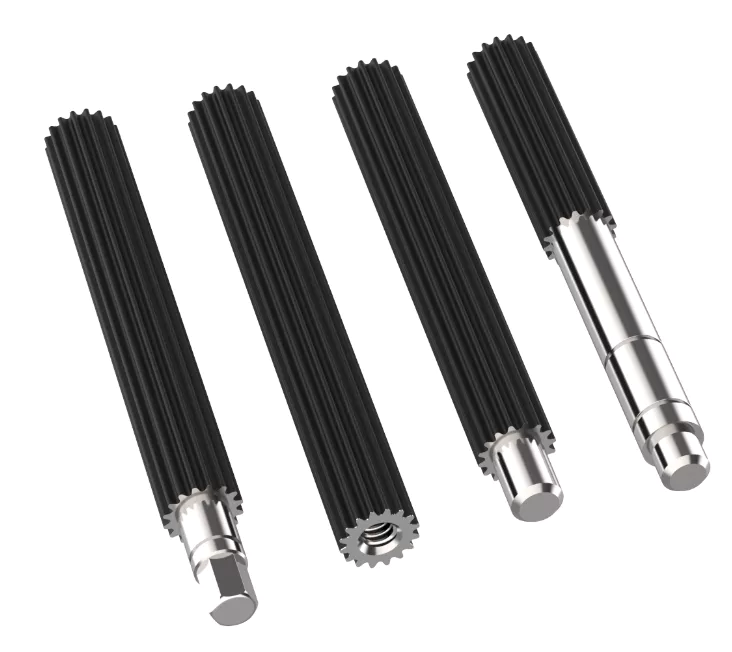
At EVER-POWER, we take pride in offering high-quality mechanical components at competitive prices. Our products, including spline shafts and worm gear shafts, are designed to deliver reliable performance and long-lasting durability. We back this up with exceptional customer service and technical support. Trust EVER-POWER for all your mechanical component needs.